On this page · 5 sections
Get your personalized Google Review NFC card with your logo →
Short answer: Google's own help pages say businesses may ask customers for reviews, and they suggest sending customers to a Google link or a QR code to do it. An NFC review card is another way to open that same review link. What Google's policy rules out is how you ask: no incentives, no asking only happy customers, no discouraging negative reviews, and no pressuring people or scripting what they write. The card doesn't change those rules, so use it the same way with every customer.
This post covers the rules, not the product. We quote or paraphrase only what Google's policy pages say, with links so you can read them yourself. Google has not reviewed, approved or endorsed Pocket Factory or any NFC card. The policy is about how a business asks for reviews, whatever tool it uses.
What Google says you may do
Google's Tips to get more reviews page in Business Profile Help lists "Remind customers to leave reviews" as a best practice and says you can ask customers to visit a Google link or scan a QR code to leave one. Google's Maps user-generated content policy says merchants are allowed to solicit or encourage content that represents a genuine experience, as long as they don't offer incentives or try to influence the rating or what the review says.
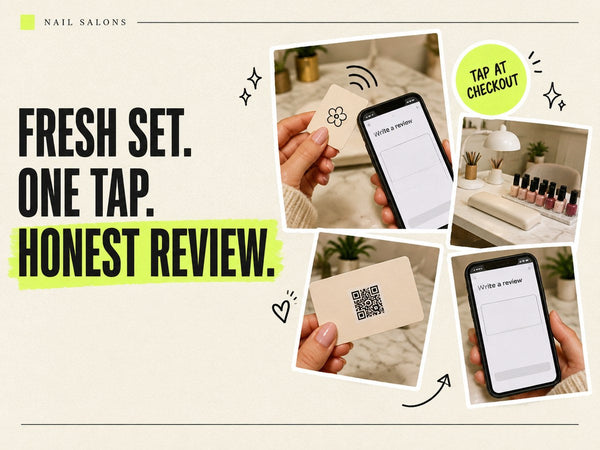
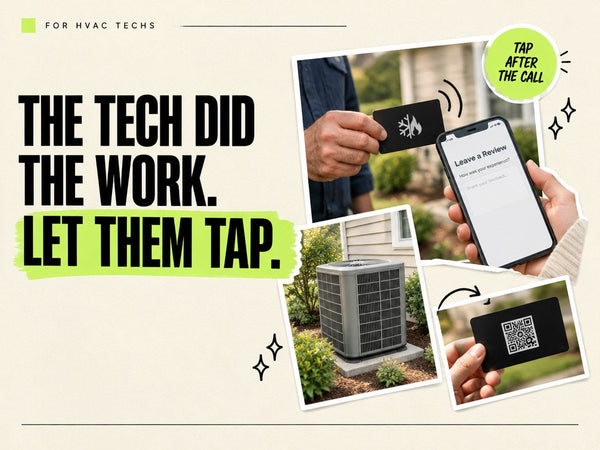
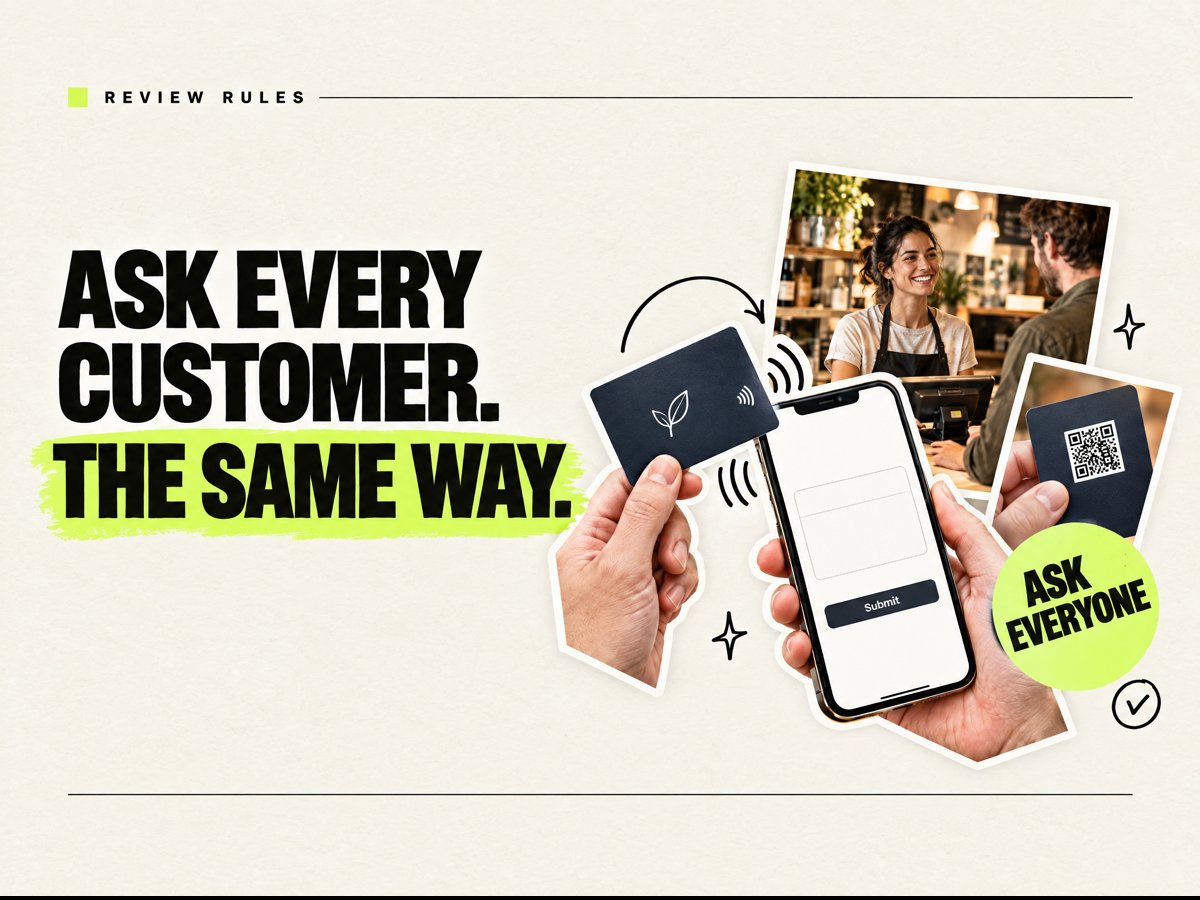
A tap card opens your review link, the same link you would otherwise send or print as a QR code. The printed QR on the back opens that same page.
What Google's policy does not allow
From the Maps user-generated content policy, under Fake engagement and Rating manipulation, merchants may not:
- Offer incentives. No payment, discounts, free goods or free services in exchange for posting a review, or for revising or removing a negative one. The Tips page repeats this and calls it fake and misleading content that is strictly prohibited.
- Gate or select reviewers. The policy says merchants may not "selectively solicit positive reviews from customers." Don't hand the card only to customers who seem happy, and don't screen people first and send only the satisfied ones to Google.
- Discourage negative reviews. The policy also bars merchants from discouraging or prohibiting negative reviews.
- Pressure people or script the content. Merchants should not require or pressure customers to leave a rating or write a review while on the premises, or ask for specific content to be included. The policy says this covers asking staff to collect a certain number of reviews and asking for reviews that mention a staff member.
- Post reviews that aren't genuine. Reviews must reflect a real experience. Paid reviews, reviews posted from several accounts by one person, and reviews based on a conflict of interest (such as employees or family) are not allowed.
The Tips page adds a best practice: value all reviews, because a mix of positive and negative feedback often feels more trustworthy, and reply to them.
How to use a review card within these rules
- Offer it to every customer, the same way. One plain line works: "If you have a minute, we'd appreciate an honest review on Google." No condition, no reward.
- Don't ask for a rating or specific words. Ask for an honest review and leave the rest to the customer.
- Leave it optional. Hand the card over or leave it on the counter. Don't wait while someone types, and don't make it part of paying or checking out.
- No targets. Don't give staff review quotas, and don't ask customers to name an employee.
- Point it at your real review link. Use the review link from your Google Business Profile, not a survey page that filters people first.
- Reply to what comes in, good and bad, as Google's Tips page suggests.
Where Pocket Factory fits
Pocket Factory makes a personalized Google Review NFC card with your logo, pre-programmed with your review link. It works with iPhone XS or newer and NFC-enabled Android, with a printed QR backup included by default. Cards ship locked (read-only), so the link can't be erased or overwritten. The card only opens your link. It doesn't post, filter or change any reviews. If you'd rather point people to your website or booking page, there's also a website NFC card and a booking NFC card.
Shipping: Standard: 3–5 business days. Express: made and shipped the next business day.
FAQ
Are NFC review cards allowed by Google?
Google's help pages say businesses can ask customers for reviews and suggest a Google link or QR code to do it. A tap card opens that same link. The rules apply to how you ask: no incentives, no selective asking and no discouraging negative reviews. Google has not approved or endorsed any particular card, including ours.
Can I offer a discount or freebie for a review?
No. Google's policy does not allow incentives such as payment, discounts, free goods or free services in exchange for a review, or for changing or removing one.
Can I give the card only to happy customers?
No. Google's policy says merchants may not selectively solicit positive reviews. Offer it to every customer in the same way.
Can I ask customers to mention my staff or leave a certain rating?
No. Google's policy says merchants should not ask for specific content in reviews, including content that identifies a staff member, and should not try to influence the rating.
Do customers need an app to use the card?
No. It works with iPhone XS or newer and NFC-enabled Android, with a printed QR backup included by default.