On this page · 7 sections
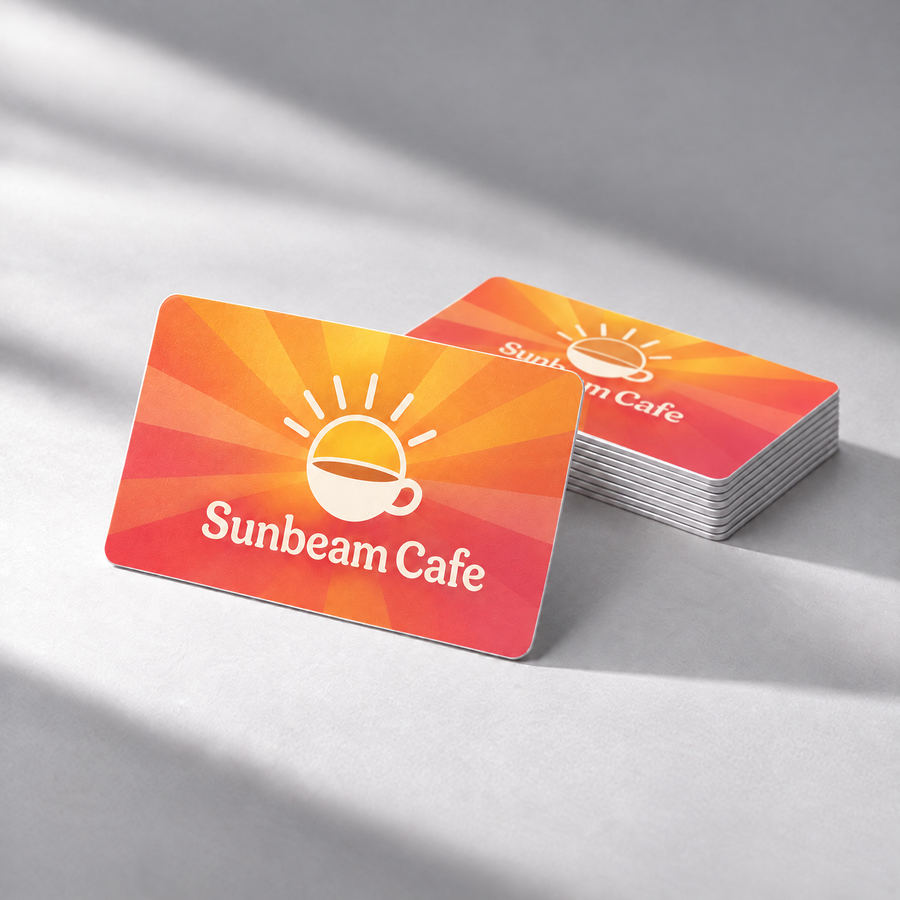
Get a personalized Google review card, $19 one-time →
The short answer: Ask at drop-off, while the rider is still in the car or at the curb, and make leaving the review one tap. Get your short review link from your Google Business Profile ("Ask for reviews" / share review form), put it on a small tap card, and either hand it over with the bags or keep one in each seat-back pocket. Ask every rider the same way, never offer anything for a review, and reply to the reviews you get. A text after the ride works too, but most riders are already on to the next thing by the time it arrives.
Why chauffeur services get so few reviews
Riders are usually pleased, but the trip ends at an airport curb, a hotel door or a venue entrance. They are holding bags, checking a boarding pass or walking into an event. The driver is the only person who sees them, and the drop-off lasts about a minute. If the ask only comes later by email or text, it lands on top of everything else they are doing that day. Corporate accounts add another layer: the person booking the car is often an assistant, not the person who rode in it.
So the fix is about timing and effort, not about asking harder. The rider has to be able to leave a review in the car or at the curb without searching for your business name.
A drop-off routine that works for one car or a fleet
- Get your review link. In your Google Business Profile, use "Ask for reviews" to copy your short review link. Our free review link generator does the same thing if you prefer.
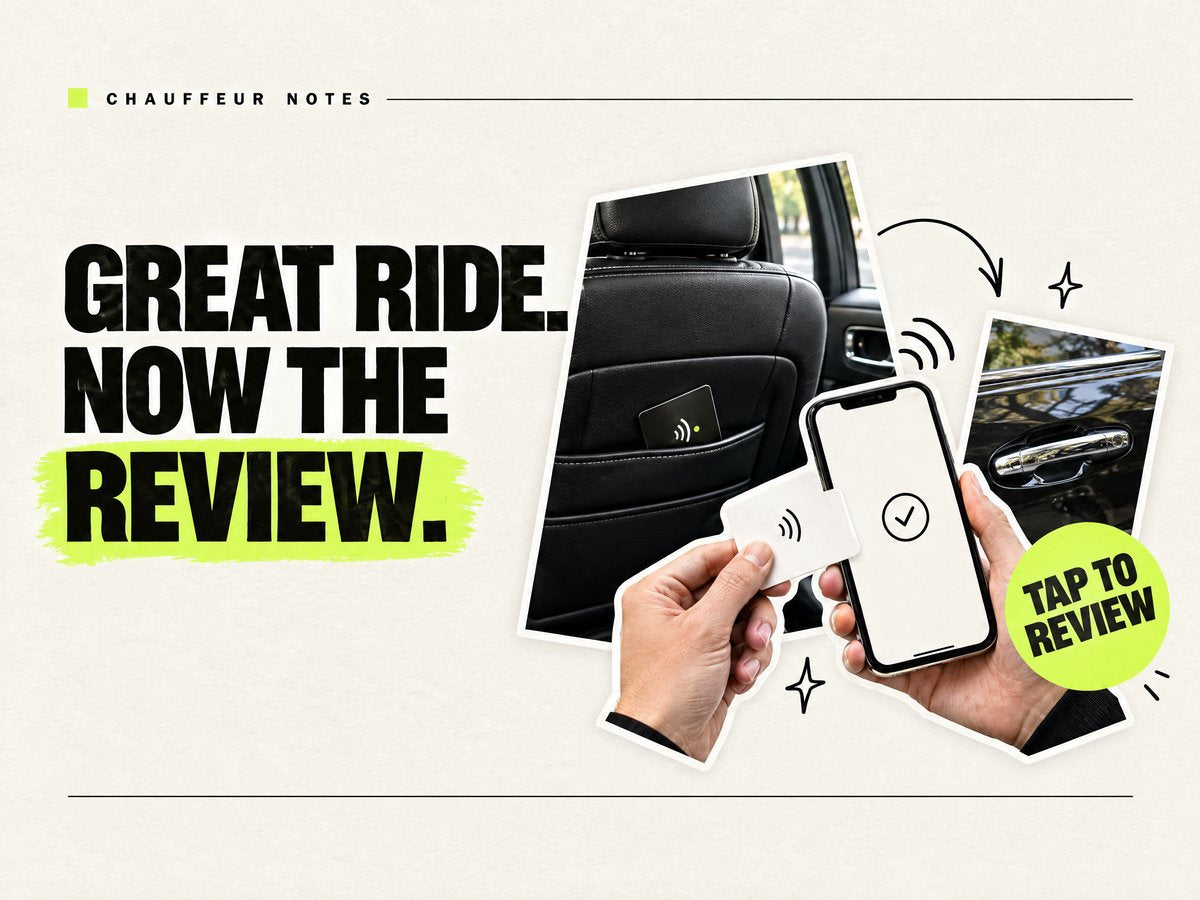
- Put the link where riders sit. A tap card in each seat-back pocket, or one the chauffeur hands over with the bags. The rider taps it with their phone and Google's review form opens. The printed QR on the back covers phones that can't tap.
- Give drivers one line to say. Something like: "If you have a second, an honest Google review helps us a lot. Just tap this card." Same line for every rider, happy or not.
- Follow up once for booked accounts. For corporate and event bookings, one short post-trip text or email with the same link catches riders who were rushed at the curb. One reminder is plenty.
- Reply to every review. A short thank-you, or a calm reply to a complaint, shows future riders that someone reads them.
Ways to ask a rider for a review, compared
| Way to ask | Cost | When the ask happens | What the customer has to do |
|---|---|---|---|
| Tap card in the seat-back or handed over | $19 one-time for one card, $229 for 25 (Pocket Factory, white matte) | In the car or at drop-off | One tap, or scan the QR backup |
| QR code printed in the car | Cost of printing | During the ride, if they notice it | Open the camera and frame the code |
| Text or email after the trip | Free by hand; review software is a monthly fee | Minutes to hours after drop-off | Open the message later and follow the link |
| Driver asks out loud only | Free | At drop-off | Search your business name on Google themselves |
Table checked Oct 26, 2026 (ET).
Prices checked Oct 26, 2026 (ET) on getpocketfactory.com: white matte cards are $19 for 1, $29 for 2, $59 for 5, $109 for 10 and $229 for 25; white glossy is $21 for 1 and $129 for 10. One-time payment. Prices can change, so check the product page.
Stay inside Google's rules
Google's review policy does not allow paying for reviews, offering discounts or free rides in exchange, or only asking the riders you think are happy (review gating). Breaking it can get reviews removed or your profile restricted. A card is only a shortcut to the review form; the rider decides what to write.
What the card is (and isn't)
Pocket Factory cards are NTAG215 NFC cards with your logo, programmed with your Google review link before they ship, and locked so nobody can rewrite them. They work on iPhone XS or newer and NFC Android, with the QR backup: a printed QR backup is included by default, so phones that can't tap can scan. No battery or charging is needed, there is no app and no subscription, and US shipping is free. Ships in 3–5 business days, and every order ships from the USA.
It doesn't track riders, collect data or pick which riders see the review form. It opens one link. If your fleet also wants a card that opens your booking page for repeat riders, see the booking card.
FAQ
How do limo and chauffeur services get more Google reviews?
Ask every rider at drop-off and make it one tap: put your Google review link on a tap card in the seat-back or hand one over with the bags, then send one follow-up for booked accounts. Never offer anything in exchange for a review.
Where should a chauffeur keep a review card?
In the seat-back pocket facing the rider, or in the driver's hand at drop-off. Handing it over with a short ask works better than leaving it for riders to find.
Can I give riders a discount for leaving a review?
No. Google's policy prohibits incentives for reviews, including discounts and free rides, and it prohibits only asking happy riders.
Do riders need an app to use the card?
No. The card works on iPhone XS or newer and NFC Android, with the QR backup. The phone opens your Google review page in the browser.
How long does it take to get cards?
Ships in 3–5 business days, ships from the USA, and US shipping is free.
I don't have my review link yet. Can I still order?
Yes. No link yet? You can still order: your cards open your website instead. Most owners copy the review link from their Google Business Profile in a couple of minutes.
Compare & guides
- Mobile mechanic reviews with no counter
- Google review cards for contractors
- How to get more Google reviews in person
- How to set up a Google review NFC card
- Where to place Google review NFC cards
- How much do NFC Google review cards cost?
- Free Google review link generator
- Phone has no NFC? The QR backup